




Featured News Headlines
What is Two-Factor Authentication (2FA)?
Our digital lives now store everything from our most personal details to our financial information on online platforms. Emails, social media accounts, banking apps, and cloud storage services have become an inseparable part of our daily routine. But how do we protect this valuable information from malicious individuals? Relying on a password alone is no longer enough. This is where Two-Factor Authentication (2FA) comes in. In this comprehensive guide, you’ll learn what 2FA is, why it’s so important, and how to use it correctly, step by step.
The Core Logic of 2FA – Why a Single Password Isn’t Enough
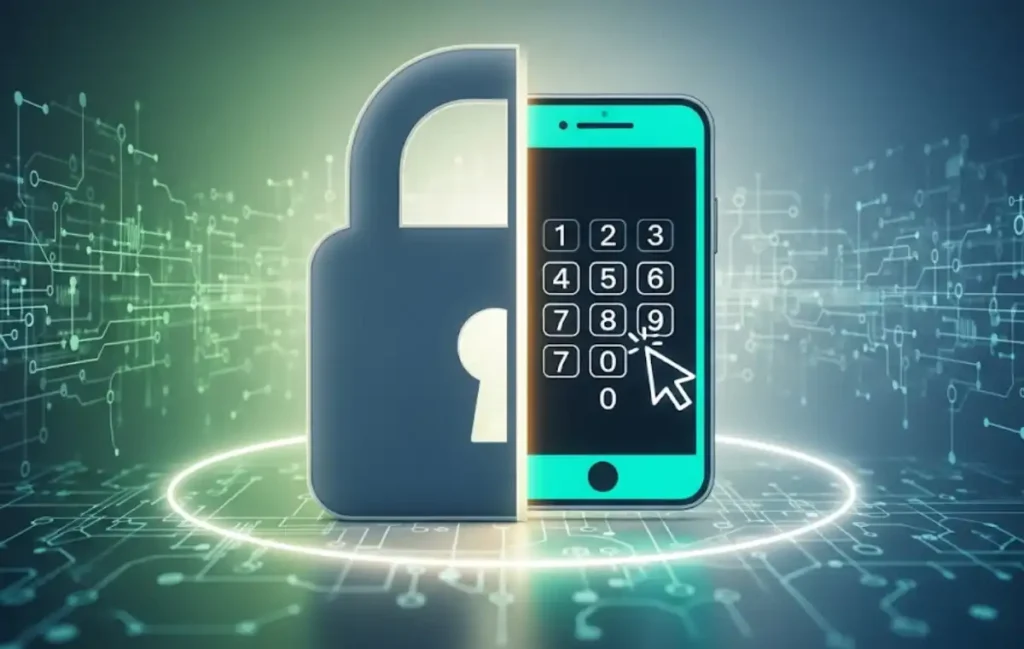
Two-Factor Authentication (2FA) is a security measure that requires two different and independent authentication factors to gain access to an account. While you traditionally log in with just a username and password, 2FA adds an extra layer of security to this process. Think of this second layer as the second key to a digitally locked door.
So, why isn’t a password enough on its own? Cybersecurity experts have noted that passwords can be stolen in a variety of ways:
- Phishing Attacks: Attackers can trick you into revealing your password directly through fake emails or websites.
- Password Leaks: When a website you use is hacked, your personal information, including your passwords, can be leaked online.
- Weak Password Use: Easily guessed passwords like “123456” or “qwerty” can be cracked in seconds.
Even if an attacker gets hold of your password, if your account has 2FA enabled, they still won’t be able to access it. That’s because they’ll need that second authentication factor.





How 2FA Works: The Three Core Factors
The logic of 2FA is based on strengthening the authentication process by combining at least two of three fundamental factors:
- Something You Know: This is information known only to you. The most common examples are a password or a PIN code. Security questions also fall into this category.
- Something You Have: This is a physical object that only you possess. Examples include:
- An SMS code sent to your smartphone.
- A one-time code generated in a mobile app (like Google Authenticator).
- A physical security key (like a YubiKey).
- Something You Are: This factor is based on your biological traits. Examples are:
- A fingerprint scan.
- Facial recognition (Face ID).
- A retina scan.
The 2FA Process Step-by-Step:
- You enter your username and password to log in to your account (Something You Know).
- The system confirms your password is correct and prompts you for the second authentication factor.
- For example, a code is sent to your phone via SMS or to your Authenticator app (Something You Have).
- You enter this code into the screen and successfully complete the login process.
The Most Common 2FA Methods and Their Security Levels
Not every 2FA method provides the same level of security. Here are the most commonly used ones and which are more secure:
- SMS-Based 2FA: This is the most widely used method. It works by the system sending a code to your phone. Advantage: It’s easy and convenient. Disadvantage: It’s vulnerable to attacks like SIM Swap scams. An attacker can trick your phone carrier into giving them a copy of your SIM card, allowing them to intercept the codes.
- App-Based 2FA (TOTP): This method uses apps like Google Authenticator, Microsoft Authenticator, or Authy. These apps generate Time-Based One-Time Passwords (TOTP) that change every 30-60 seconds. Advantage: It’s much more secure than SMS because the codes are generated on your device and don’t require an internet connection. Disadvantage: If you lose your phone or switch to a new device, you’ll need to use backup codes.
- Physical Security Keys (FIDO2/U2F): This is the most secure 2FA method. It uses a small hardware device connected via USB. You can authenticate by plugging the device into your computer’s USB port or by tapping it to your phone via NFC. Advantage: It provides nearly complete protection against phishing attacks. Even if an attacker directs you to a fake site, the device won’t work unless the site is legitimate.
- Biometric Authentication: This method uses biometric data such as fingerprints or facial recognition. Advantage: It’s incredibly fast and easy to use. Disadvantage: The privacy and security of biometric data remain a topic of debate.
Where Should You Use 2FA?
While security experts recommend enabling 2FA on every online account, you should absolutely use it on platforms that hold sensitive data, such as:
- Your Email Accounts: Your email acts as a gateway to all your other accounts. Password reset links are sent here. The security of your email account is the security of all your digital assets.
- Banking and Finance Apps: This is the most crucial step to ensure your money is safe.
- Social Media Accounts: Necessary to protect your identity, private photos, and communications.
- Cloud Storage Services: Vital for the privacy and security of your files.
- Password Managers: These accounts, where your passwords are stored, require the highest level of security measures.
Conclusion
Two-Factor Authentication (2FA) is no longer a luxury in the world of cybersecurity; it’s a necessity. It is one of the most powerful tools available to minimise the damage that can result from a stolen password, a cyberattack, or a data breach. The most important step you can take today to secure your digital life is to enable 2FA on all your online accounts. Remember, your digital security is in your hands.































Comments are closed.